Every time I mention "Claude Code agents" to a product manager, I get the same question back: agents, subagents, custom commands, aren't these all the same thing? They are not, and the difference matters, because it is the difference between typing the same prompt every Monday and having a system that just runs.
This article gives you the actual definitions first, because most of the confusion around Claude Code agents and subagents comes from people skipping that step and jumping straight into a tutorial. Then we build something real: a five-source competitor watchlist for a whiteboard tool like Excalidraw, the kind of recurring competitive-intelligence task most PMs do by hand every week. By the end, you will have the file structure, the invocation pattern, and a path to automate the whole thing on a schedule.
Key Takeaways
- Main agents, subagents, and custom commands are three distinct things: the main agent does the work directly, subagents are specialized delegates with their own context window, and custom commands are saved prompts that can orchestrate several subagents at once.
- Claude Code is now the most-used AI coding agent on the market, with three out of four startups adopting it, according to the 2026 Agentic Coding Trends Report.
- The winning architecture for recurring PM work is one narrow subagent per source, each doing a single job well, paired with one orchestrating command that runs them in parallel and synthesizes a single report.
- Subagents live in `.claude/agents/` and custom commands in `.claude/commands/` as markdown files with YAML frontmatter, so a five-source competitor watchlist takes just five subagent files plus one command file.
- Connecting a custom command to a scheduled routine turns a manual weekly trigger into a fully automated recap, and the same subagents-plus-command pattern applies to feedback synthesis, analytics reporting, and user story writing.
Learn this hands-on
Become a 10x PM by learning how to use Claude Code in your daily work as a Product Manager, through 3 highly efficient live sessions of 1h30. Join the Claude Code for PMs live cohort.
Claude Code Agents vs Subagents vs Custom Commands
These three concepts get used interchangeably online, which is exactly why they are confusing. Here is the actual breakdown.
The main agent is the Claude Code session you talk to directly in your terminal or IDE. It has access to your whole project, your file system, and every tool you have configured (bash, browser, MCP servers, and so on). When you type a request, the main agent decides what to do itself, and if the task is big, it can delegate pieces of it.
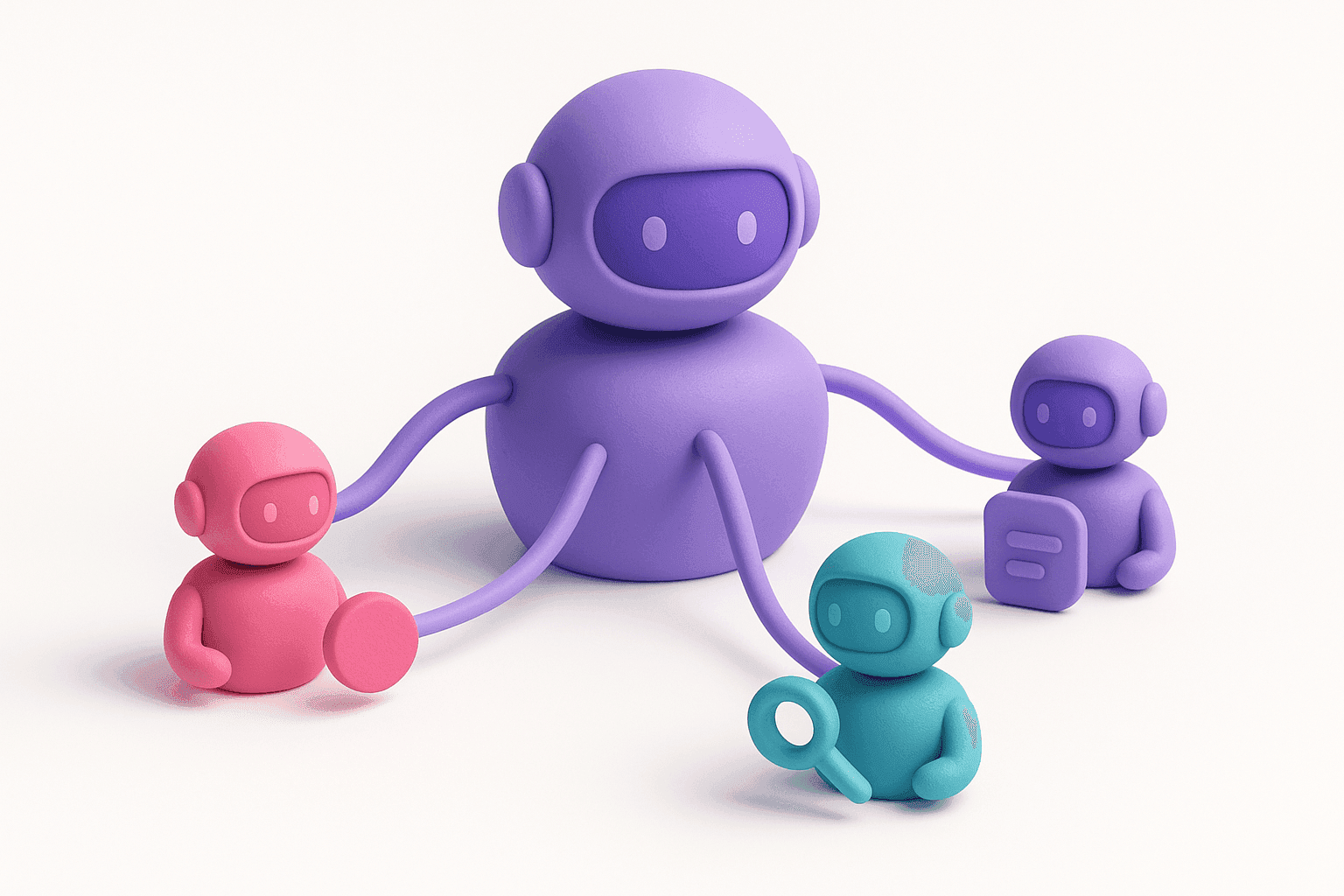
Subagents are exactly that delegation mechanism. A subagent is a separate, specialized Claude instance with its own system prompt, its own restricted tool access, and its own context window. You define one, in a markdown file, to do one job well: read a changelog, summarize a transcript, review a PRD from a specific angle. The main agent (or a custom command) calls a subagent the way a manager assigns a task to a specialist: it hands over a job, waits for the result, and moves on. Subagents run in their own context, so they don't clutter the main conversation with pages of raw scraped text, which is also one of the easiest habits for keeping your token bill down.
Custom commands are the third piece, and they are the simplest to picture: a saved, reusable prompt you invoke by typing /your-command-name. A custom command can be a plain instruction, or it can be an orchestrator that calls several subagents at once, waits for all of them, and stitches their outputs into one final report. That last pattern (one command, many subagents, one synthesis) is the one we are building below.
Put together: the main agent is the person in the room. Subagents are the specialists it can call in. Custom commands are the meeting agenda that decides who gets called and in what order. If you want the full picture, from your first prompt to your first shipped agent, the How to Master Claude Code series walks through every piece in order.
According to the 2026 Agentic Coding Trends Report, Claude Code has become the most-used AI coding agent on the market in under a year, and three out of four startups now use it, the highest adoption of any AI coding tool among small teams. Subagents and custom commands are the reason that adoption sticks: they turn a chat tool into a system you can hand recurring work to.
As Boris Cherny, Head of Claude Code at Anthropic, put it: "You have a Claude Code, but it has subagents that are other Claudes. The user is no longer prompting Claude: It's actually another Claude that does the prompting."
The Worked Example: A Competitor Watchlist for Excalidraw
Say you are the PM on a whiteboard product like Excalidraw, and part of your job is knowing what tldraw, Figma, Miro, Lucidchart, and Whimsical shipped this week. Right now that means five browser tabs, five changelogs, and a recap you write by hand every Friday. This is precisely the kind of job Claude Code agents were built for: narrow, repetitive, and parallelizable.
The architecture
Instead of one giant prompt that tries to check five sources at once (and inevitably gets lazy on source number four), you split the work. Deciding that shape upfront, before you write a single subagent file, is exactly the kind of planning Claude Code's Plan Mode is built for:
- One subagent per competitor, each with a single job: fetch that one competitor's changelog or release notes page and summarize what changed.
- One custom command that calls all five subagents in parallel, waits for every result, and writes a single synthesized recap: what shipped, what looks like a threat, what's worth flagging to the roadmap.
Five narrow subagents beat one broad agent for the same reason five specialists beat one generalist: each subagent's context window stays clean, focused only on its one source, so its summary is sharper. The custom command is where the real product thinking happens: it decides how to merge five independent reports into one story.
The file anatomy
Claude Code agents live as markdown files with YAML frontmatter. Subagents go in .claude/agents/, custom commands go in .claude/commands/. Here is what one competitor subagent looks like, for example .claude/agents/tldraw-changelog-watcher.md:
---
name: tldraw-changelog-watcher
description: Monitors the tldraw changelog for new releases and feature launches. Use when checking what tldraw has shipped recently.
tools: WebFetch, WebSearch
---

You are a competitive intelligence analyst tracking tldraw, a
whiteboard and diagramming tool.

1. Fetch the tldraw changelog / release notes page.
2. List every entry from the last 7 days.
3. For each entry, note: what shipped, why it might matter to a
   whiteboard product roadmap, and whether it looks like a direct
   feature overlap with our own roadmap.
4. Return a short, structured summary. No fluff, no restating the
   task.
You would repeat this file for Figma, Miro, Lucidchart, and Whimsical, changing only the name, the source, and the description. Five files, five narrow jobs. Once you have a working set like this, you don't have to keep it to yourself: Claude Code plugins let you package these subagents and commands so the rest of your team can install them in one shot.
The custom command is the orchestrator, saved as .claude/commands/competitor-watchlist.md:
---
description: Runs all five competitor changelog subagents in parallel
  and synthesizes a single weekly recap.
---

Run the following subagents in parallel, in a single message:
tldraw-changelog-watcher, figma-changelog-watcher,
miro-changelog-watcher, lucidchart-changelog-watcher, and
whimsical-changelog-watcher.

Once all five have returned, synthesize their outputs into one
recap with three sections: "Shipped this week" (bulleted, one line
per competitor), "Worth watching" (anything that overlaps with our
roadmap), and "No action needed" (routine updates).
Invocation is just typing /competitor-watchlist in your Claude Code session. The command reads its own instructions, calls the five subagents (Claude Code runs independent subagent calls in parallel automatically when they're launched together), waits for all five, and hands you back one clean recap instead of five raw dumps.
The escalation path: from manual trigger to scheduled routine
Typing /competitor-watchlist every Friday is already a big upgrade over five manual tab-checks. But the natural next step is removing yourself from the loop entirely. Connect that same custom command to a scheduled routine (Claude Code's cron-style trigger, or a scheduled GitHub Action calling the command headlessly), and the exact same analysis runs automatically every day or every week, landing in your inbox or a Slack channel with zero manual trigger. You built the agent once; the routine just keeps pulling the trigger for you.
Product manager and want to work like this? This is exactly what we teach in Claude Code for PMs, our live cohort for product teams: 3 live sessions of 90 minutes over 2 weeks. Every PM ships a real feature, builds their own agent, and gets personalized written feedback.
An Agent Ideas Gallery for Product Managers
The competitor watchlist is one shape of this pattern: several narrow subagents plus one orchestrating command. Once you see that shape, you start noticing recurring PM work that fits it everywhere. The same pattern shows up across the whole agent stack replacing hand-offs to growth, data, and engineering. A few starting points:
- Feedback synthesizer. One subagent per feedback source (support tickets, app store reviews, sales call notes, a Slack channel), one command that merges them into a single weekly themes report instead of you reading every source by hand.
- Analytics fetcher. A subagent that queries your product analytics tool (Amplitude, Mixpanel, whatever you use) for a fixed set of metrics, paired with a command that turns raw numbers into a plain-English weekly summary for your team.
- User story writer. A subagent that takes a raw discovery note or a support ticket and drafts it into a properly formatted user story with acceptance criteria, so your backlog stops being a pile of half-written tickets.
None of these require writing code. They require writing down, once, exactly what a narrow job looks like, and pointing five or six of them at a synthesis step. That is the entire skill: not prompting better, but architecting who does what.
The gap between "I asked Claude Code to do this once" and "I have a system that does this every week without me" is exactly the gap between a chat message and an agent. Once you've built one subagent and one command, the next ten are just repeats of the same pattern, aimed at whatever is eating your Fridays right now.