Loading...
Free
Train your team on Claude Code here
🎓Free Guide
Run Claude Code While You Sleep
Learn how to build Claude Code subagents, schedule custom commands with GitHub Actions, and leverage the Claude Agent SDK to automate your workflows.
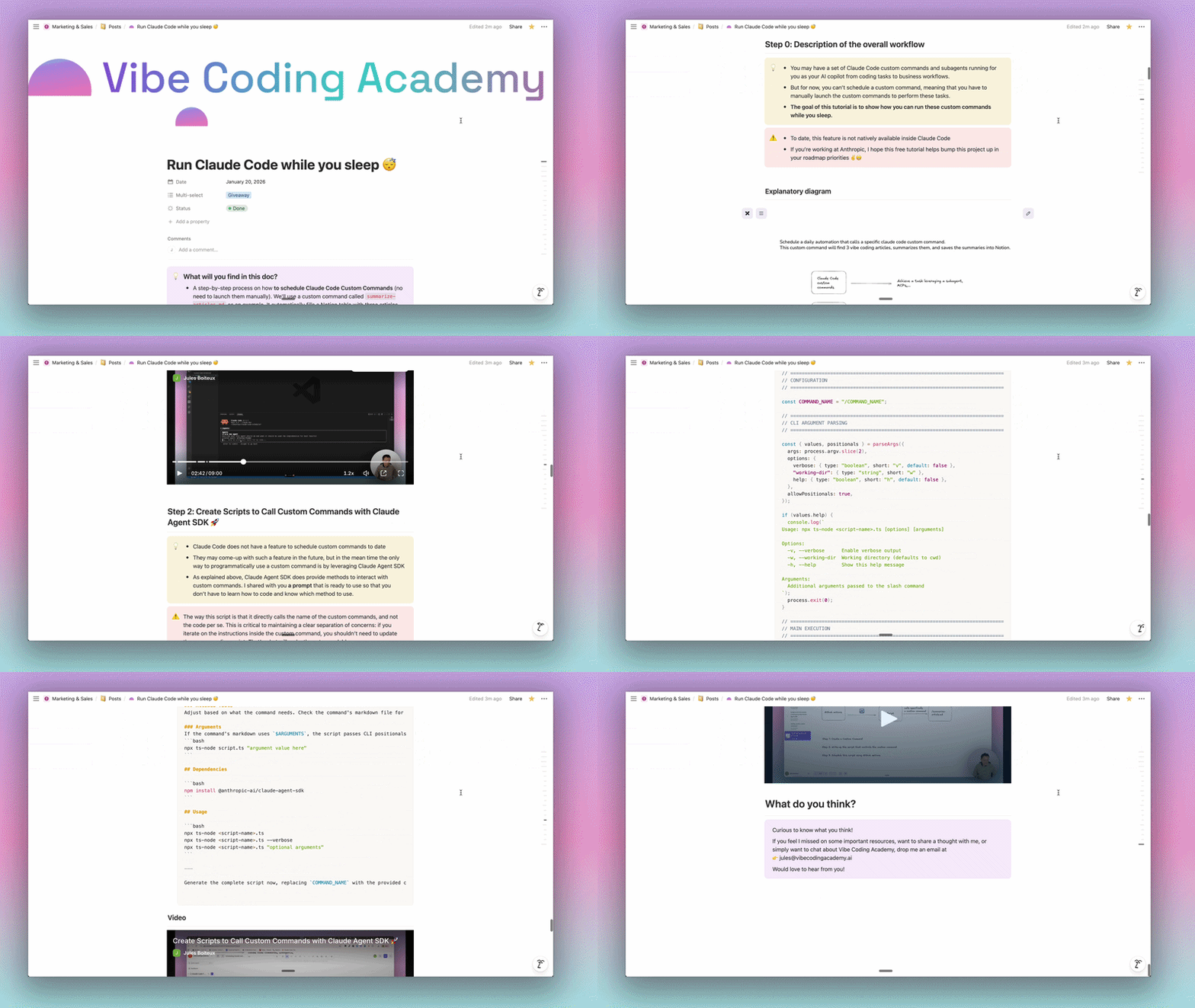
How it works
What's Inside the Guide
Everything you need to automate Claude Code and run custom commands on a schedule
Claude Code Subagents & Custom Commands
Create custom commands that orchestrate multiple Claude Code subagents with MCP integrations like Notion
4 Free Video Tutorials
Step-by-step video walkthroughs covering setup, Claude Agent SDK scripts, and GitHub Actions automation
Claude Agent SDK Scripts
Ready-to-use prompts to generate TypeScript scripts that programmatically run your custom commands
GitHub Actions Automation
Set up GitHub Actions workflows with cron schedules to run Claude Code on autopilot — daily, hourly, or on any schedule
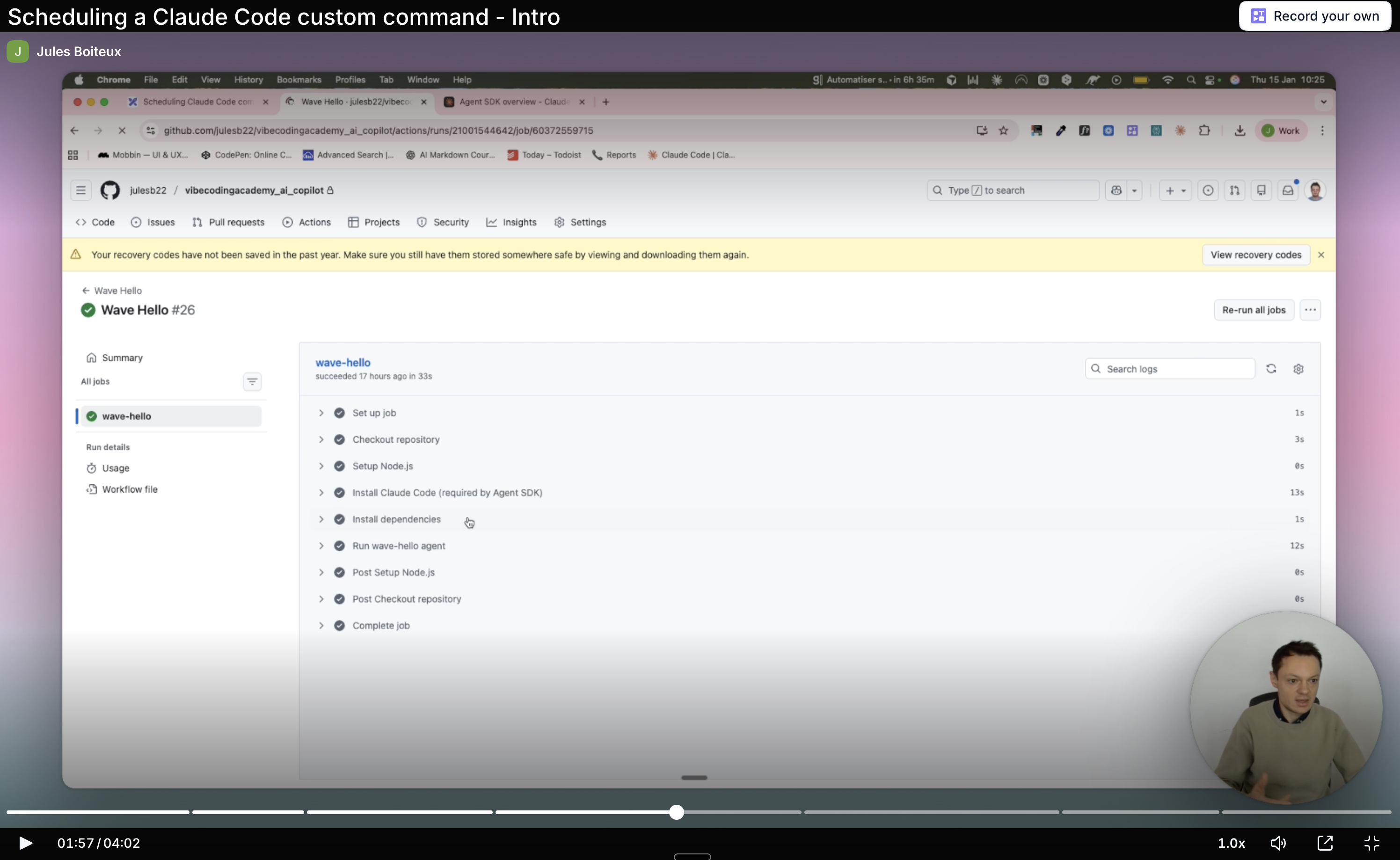
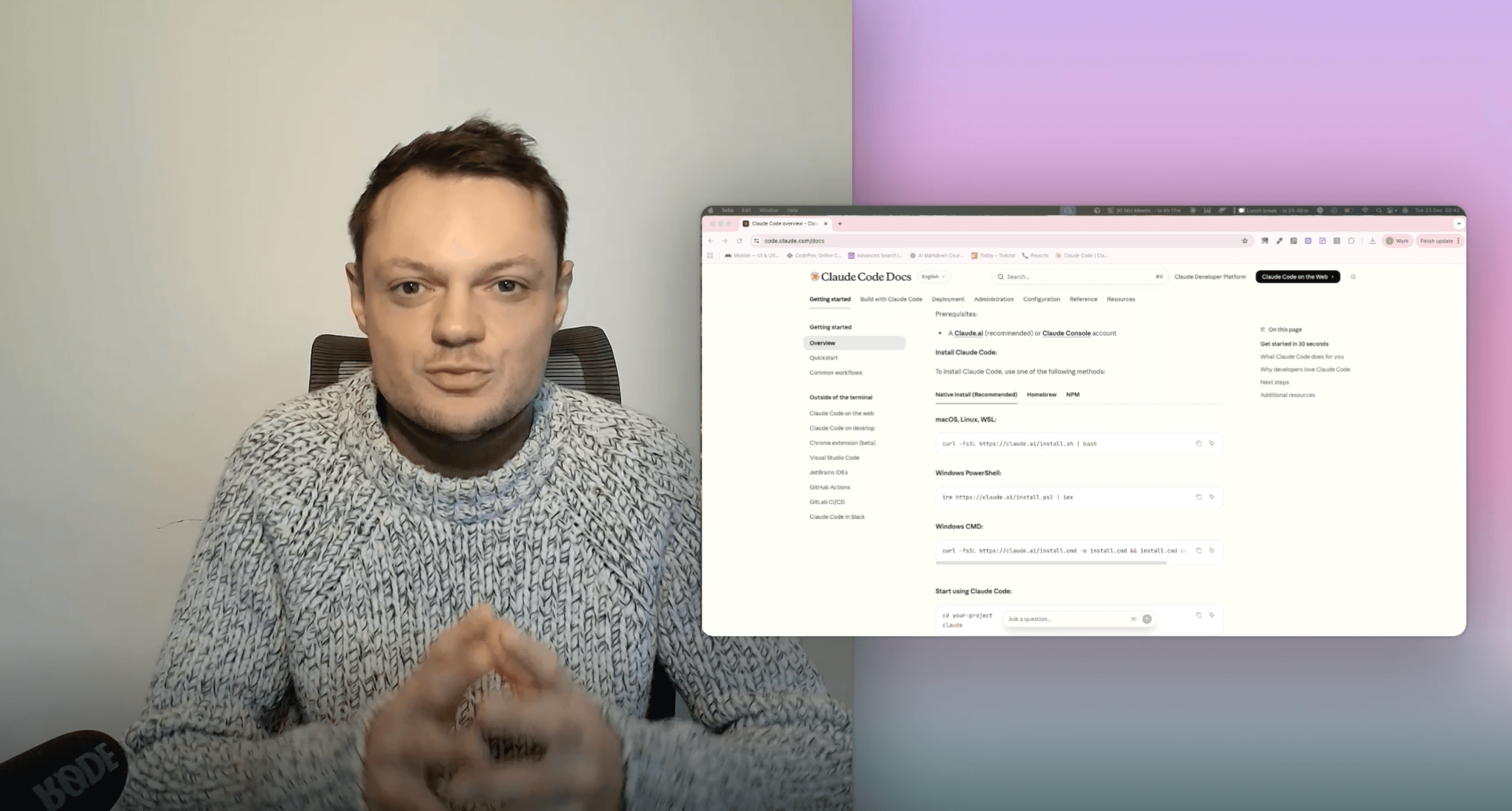
One of the 4 video tutorials included in the guide
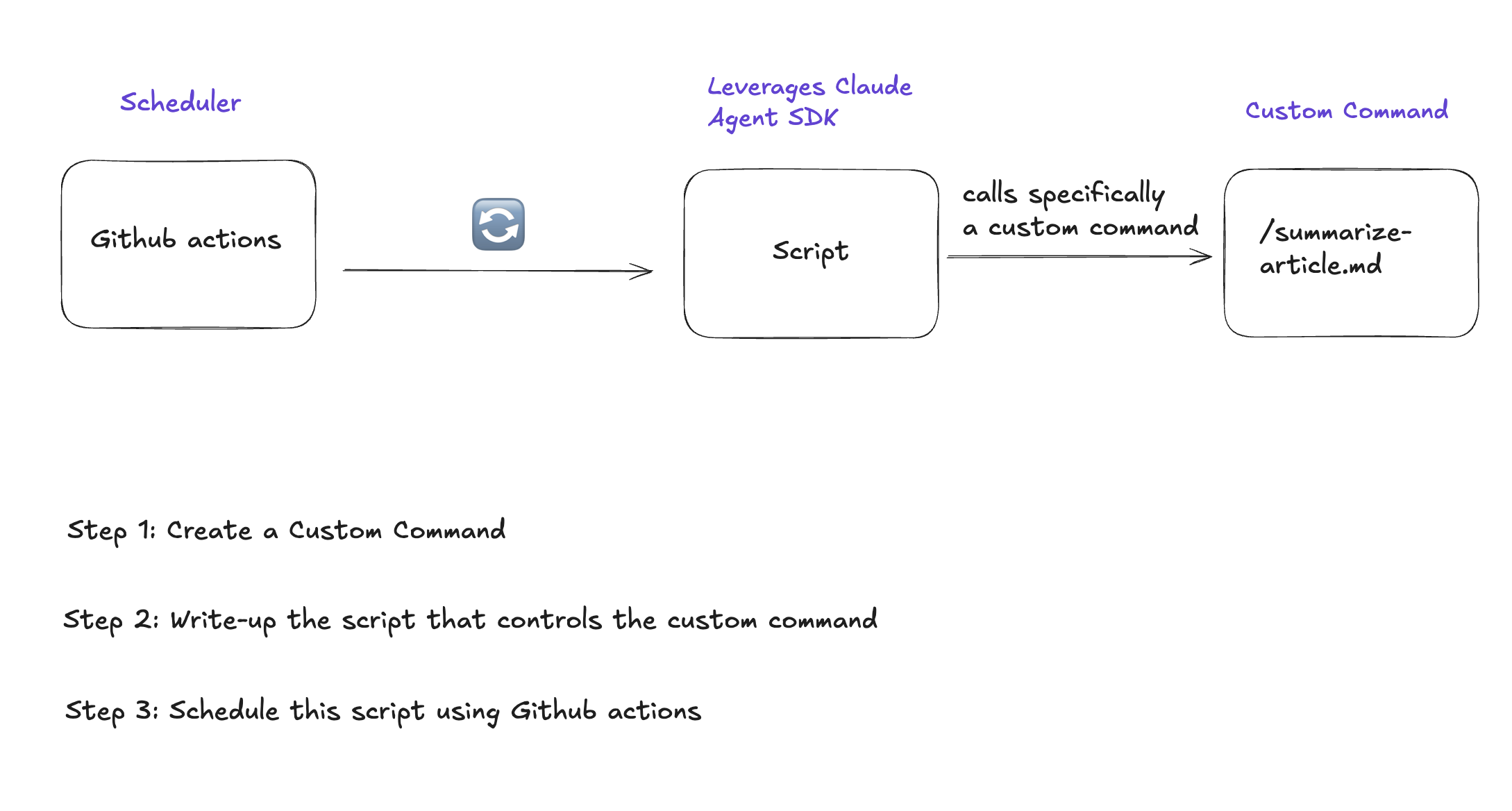
The 3-Step Process
Each step includes a video tutorial, explanatory diagrams, and ready-to-use prompts
1
Build Your Claude Code Custom Command & Subagents
Create a custom command that orchestrates multiple subagents and connects to MCP servers. The guide uses a real example: a command that finds and summarizes vibe coding articles into a Notion database every day.
Create subagents for article finding and summarizing
Connect to Notion via MCP integration
Orchestrate multiple agents from a single command
2
Generate a Claude Agent SDK Script
Use the provided prompt to generate a TypeScript script that programmatically calls your custom command. The script passes the slash command directly — so if you update the command instructions, the script stays the same.
Ready-to-use prompt for generating the script
Works with any custom command name
Clean separation of concerns: command logic stays in the command file
3
Schedule with GitHub Actions
Set up a GitHub Actions workflow to run your script on a cron schedule — daily at midnight, every few hours, or any frequency you want. Another ready-to-use prompt handles the entire YAML generation.
Runs on GitHub servers — no local machine needed
Natural language schedule input (e.g. "every day at 9am UTC")
Auto-detects dependencies and environment variables
A Concrete Example You Can Run Today
The guide walks you through a real use case: summarize-articles.md
Runs automatically every day at midnight via GitHub Actions
Orchestrates two Claude Code subagents: article-finder and articles-summarizer
Connects to Notion via MCP to fill a database with results
Ready for you when you wake up — no manual launch needed
The same pattern works with any custom command you want to automate
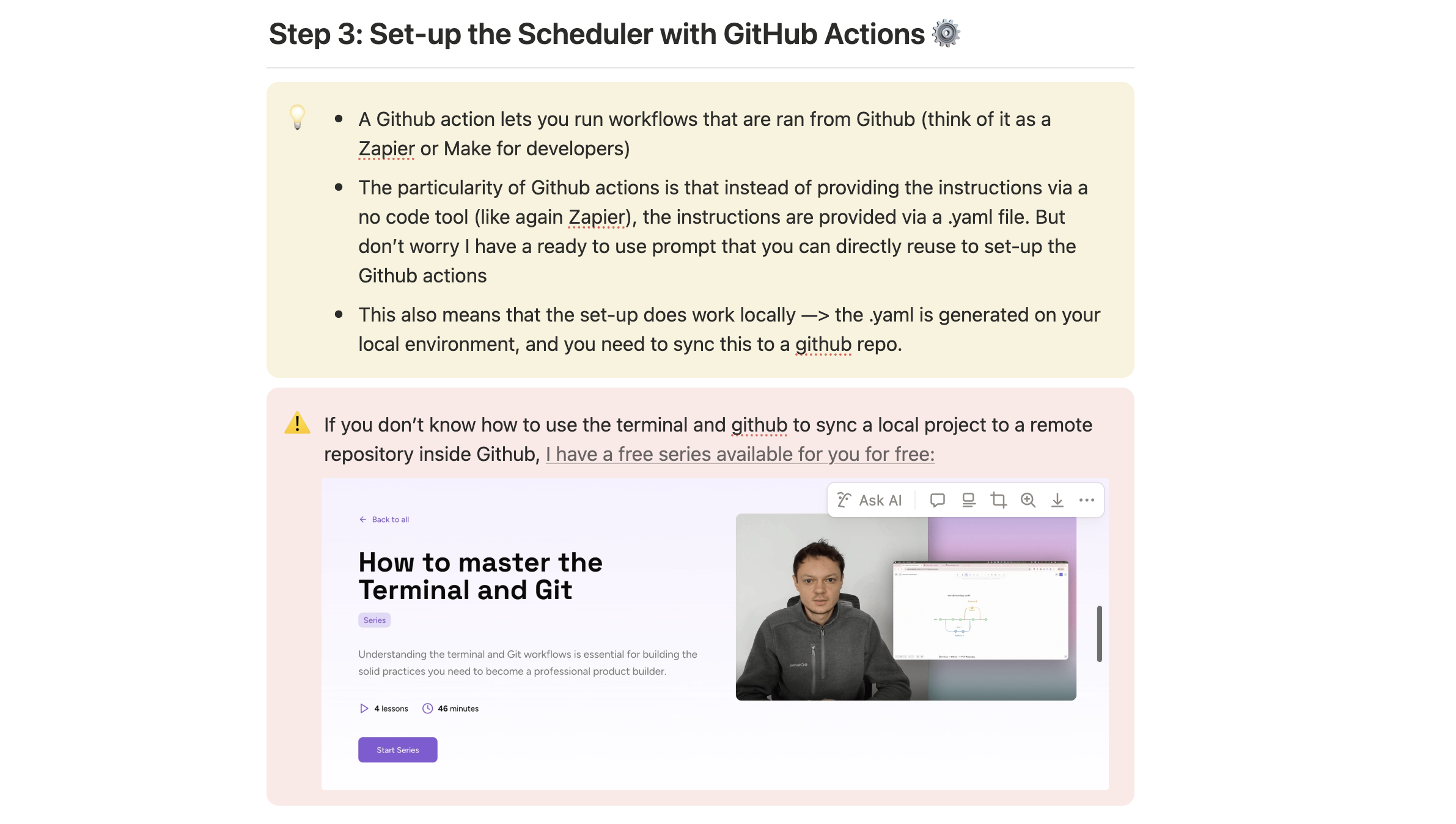
New to Claude Code?
This free guide is designed for people who already use Claude Code. If you're just getting started, check out the dedicated course to master it from scratch.
Full Course
How to Master Claude Code: Ship Code Faster & Build AI Agents
Become a Claude Code master. Ship code like a maniac and automate your life with custom commands and sub-agents. Claude Code is your new superpower.
8 lessonsVideo tutorials
Get the Guide — It's Free
Enter your email and we'll send it straight to your inbox.