Loading...
Back to all coursesStart Course
Handling authentication with Supabase
Course
From a demo to people signing-up and authenticating to your app, this series will show you how to implement a full end-to-end and secure authentication user flow
9 lessons
1h 4m total
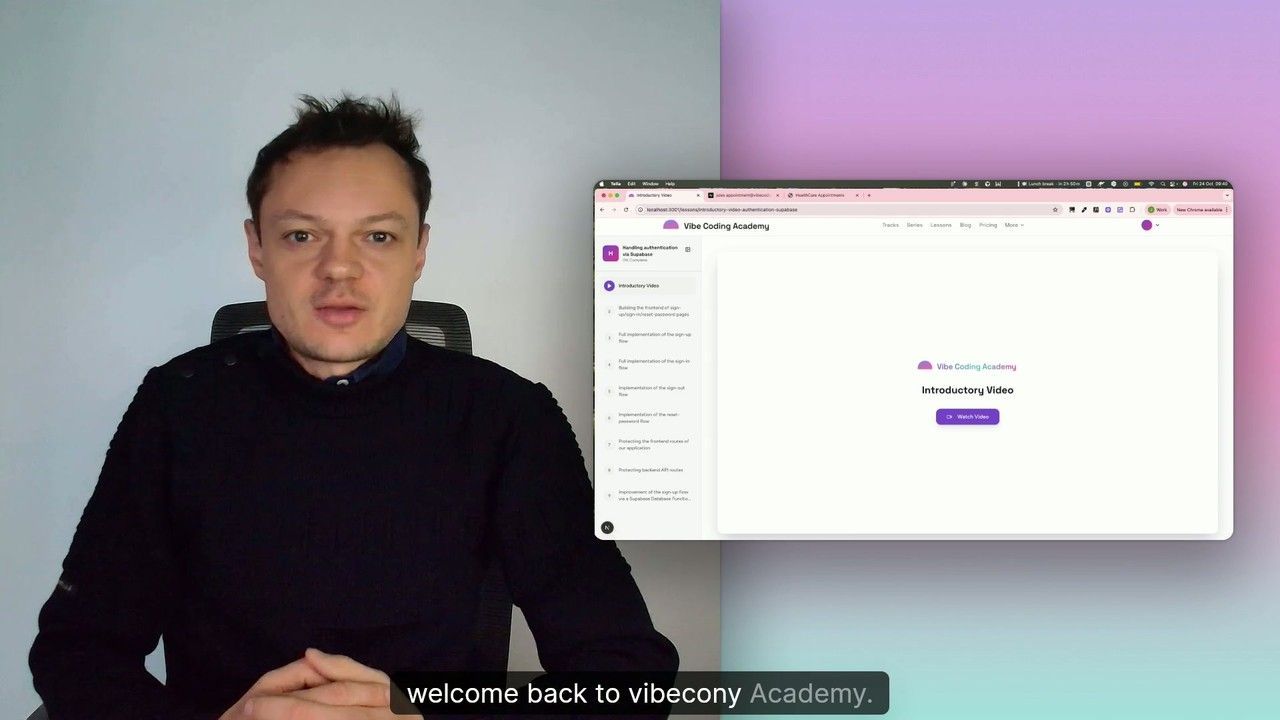
Lessons in This Course

9m
Supabase Authentication - Introductory video
Pro
Implementing authentication is essential: you need to ensure users are properly identified when using your product. This allows each user to access only their own data, modify only what belongs to their account, and be limited in functionality based on their subscription level. We'll use Supabase to handle authentication, as it provides everything you need to manage key user flows like sign-up, sign-in, password resets, frontend route protection, and backend access control. In this first lesson, we’ll take a high-level look at how authentication works with Supabase.