Go from idea to production with Lovable and Cursor: frontend, backend, auth, database, and payments included.
Keep leveling up your vibe coding game with 110+ additional lessons on the latest tools and techniques.
Explore More CoursesRun competitive analysis to inform product decisions and positioning. Learn to identify what makes you stand out from competitors. We'll use ChatGPT's Deep Search feature for comprehensive research.

Export your Lovable-generated code to Cursor for full-stack development. Learn why this combination is the ultimate cheat code for building complete applications. Set up GitHub, Cursor, and the local export workflow.
Cursor is a code editor that is natively based on AI. There’s no real technical barrier to using this product, so you should be able to rapidly get your hands dirty on the tool!
Learn essential terminal commands for interacting with your local environment. Understand Git basics and push code to GitHub. This tutorial makes terminal usage approachable for beginners.
In this tutorial, we'll explore the overall architecture of a web application. You'll learn how the frontend and backend communicate with each other to bring your app to life. This is a theoretical walkthrough. So if you're already familiar with how these layers interact, feel free to skip ahead.
Now that we've covered the overall architecture we'll be using, and since we already have a working frontend, it's time to implement the backend to fit within this structure.
This is a short lesson whose goal is to make slight changes to the way we are going to run our code locally. Here the goal is to make sure that we only have to use one command to run the code both on the frontend and the backend
In this lesson, we will verify that the backend and the frontend "do speak" with each other. To do so, we will build a very simple feature that requires a backend logic.
We are going to start this session about database with a quick reminder about databases. We will also introduce Supabase, an easy-to-use tool to host your database table. We will starting using Supabase, by creating our first table for our project Emlie
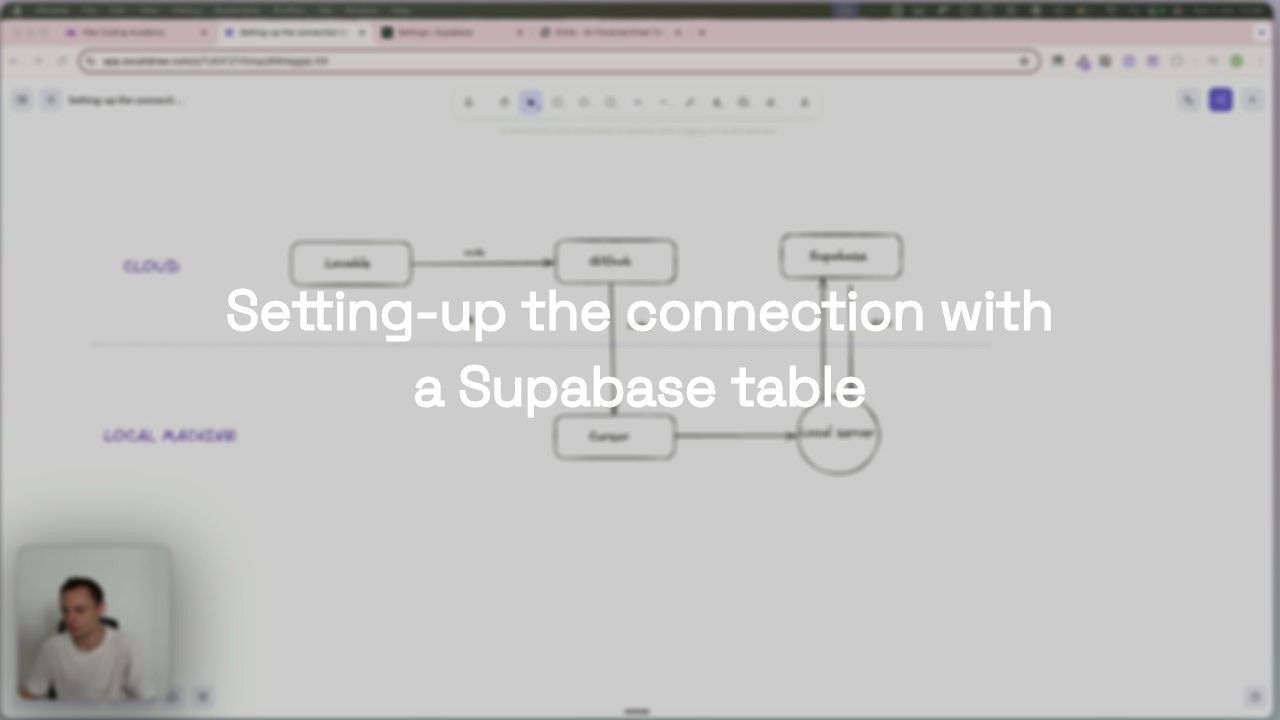
Now that we have created our first table inside Supabase, we are going to implement the connection between our backend application and Supabase. This connection will be reused later, when we implement authentication using Supabase
Learn CRUD operations (Create, Read, Update, Delete) for database interactions. Set up API endpoints that enable users to perform these standard operations on your Supabase tables.
CRUD operations are the standard operations that enable your users to interact with your app’s database: - C: Create - R: Read - U: Update - R: Delete These operations are generally performed via HTTP requests to your app’s server via API calls. The goal of this tutorial is to learn how to set-up automatically the main API endpoints that will make it possible to perform CRUD operations.
Let’s now improve our database relationships skills, and introduce the notion of foreign keys and one-to-many relationships
We are going to put to practise this notion of foreign key that we just learned about databases by building a features that leverages such table relationships


To put into practice what we just learned about databases, we'll now explore how connecting to an external API (in this case, Claude by Anthropic) can help us improve the way we store data in our templates and templates_version tables
Let's wrap things up by implementing the email template editing feature. We'll also add a rollback feature that allows users to revert to a previous version of an email template. With these additions, we'll have completed the core features of our MVP!
Learn how to implement authentication with Supabase. This tutorial covers user identification, data access control, and subscription-based feature restrictions. We'll explore sign-up, sign-in, password resets, and route protection.
We’re going to look at how to register users in Supabase using a sign-up flow. We’ll start by understanding where and how Supabase manages user accounts, and then implement the logic needed to sign up new users to our app.
Now that users can sign-up, we need make it possible for them to sign-in so they can be authenticated and access the app. Let’s see how to do that in the following Lesson
Now that the user can sign-in, we need to implement the reverse flow that is sign-out. The sign-out generally redirects the user to the sign-in page, and also deletes the access_token from the browser (local_storage)
Implement password reset functionality using Supabase built-in methods. Learn to send reset emails and update passwords securely. Requires a reset password page with input fields.
Protect frontend routes to ensure only authenticated users access certain pages. Redirect unauthenticated users to login, then back to their original destination. Implement secure route protection.
Now that we have protected our frontend routes, we also need to prevent malicious users from using our api backend routes if they are not authenticated.
RLS policies enable to filter the data that a user should access to. In our example, our users should only visualize the templates they have generated. Supabase’s RLS policies feature is going to enable us implement that.
Start monetizing your product by integrating payments. Learn how to validate market demand by enabling users to purchase directly. We'll use Stripe, a developer-friendly platform for payment processing.
Let’s start by refining our first pricing offer, and design the corresponding pricing page. For now, this should be only a frontend implementation, we will not connect the product to Stripe.
Get familiar with Stripe's main objects and navigation. Understanding Stripe is crucial for payment implementation and customer support. Learn to troubleshoot issues and investigate customer problems.
Understand Stripe API workflows for subscription management. Learn the two main flows: initial subscription creation, and subscription updates/cancellations. Implement complete subscription logic.
We’re getting closer to our first Stripe integration, but before that, we need to set up our database. In this tutorial, we’ll walk through the tables you need to create and how they relate to one another to support your subscription logic.
Before diving into Stripe objects, we first need to create a new Account object. This will act as an extended version of the user, storing additional attributes, such as the stripe_customer_id if the user becomes a customer.
Understand webhooks and how Stripe uses them. Learn to set up Stripe webhooks and configure your app to receive and handle webhook events properly.
Let’s now work on the products table. This table will be filled-in with the various products (or plans) that we will create inside Stripe. Each product will also hold the rules regarding the access to each available feature (what we call feature entitlement)
We are now going to improve the user flow inside the pricing page so that a checkout session is created after the user clicks on the “Subscribe” This will be required as the event “subscription.created” will only be generated once the user has performed a successful payment inside the checkout session
Complete subscription flow by processing Stripe webhook data. Create subscription records and update accounts in your database. Ensure users get correct feature access based on their plan.
Enable subscription updates and cancellations via Customer Portal. Generate billing portal sessions when users click 'Manage subscription'. Similar to checkout session creation.
Now that the Customer Portal is set up and users can update or cancel their subscriptions, let’s focus on implementing the logic to reflect those changes in our system. Specifically, we’ll update the subscription record and adjust the associated account based on the new plan the customer has selected.
Handle subscription cancellations in two stages: user initiates cancellation (subscription marked as canceled but active), then subscription becomes inactive at billing cycle end.
Now that our backend handles subscription management, let's implement the final piece: enforcing feature entitlements in the frontend. This means blocking users from accessing features that their subscription doesn't include.
Track credit consumption accurately as customers generate templates. Implement credit counter that decreases with each generation, ensuring customers stay within their plan limits.
In this follow-up tutorial, we'll secure the workflow setup we built around accounts. As you may recall, we had to disable authentication for API calls because users weren't authenticated during account creation. We'll now implement a more secure approach by listening to events sent by Supabase.
Deploy frontend and backend separately using Netlify and Heroku. Learn the deployment strategy for split-architecture applications. Note: This doesn't apply to unified setups like Next.js on Vercel.
Replace hard-coded URLs with environment variables before deployment. Learn why localhost references will break your production app and how to use dynamic URLs that work across all environments.
Since domain setup can take some time, we’ll connect our custom domain or subdomain from the domain registrar to both our Netlify (frontend) and Heroku (backend) apps now. This way, our first deployment will already be live on our custom domain, avoiding the need to switch from temporary URLs later.
The main task to perform when you’re using a deployment tool is making sure you are correctly adding product environment variables inside the product. We will start with Netlify’s CLI to handle our first deployment, and then we will use the native integration with Github to deploy
Before switching fully to Stripe production, let’s run a final QA—this can still be done in the staging environment if needed. Since our setup now uses only environment variables to switch between local and production, we can confidently test everything locally and expect it to behave the same in production.
Our app is now live in production and tested, but some of our external API connections are still pointing to test environments. That’s the case with Stripe. To ensure we can receive real payments in production, we need to update our configuration to use Stripe’s live keys and products instead of the test ones.
Almost there, a few adjustments to make on our Supabase set-up, and some advice for your downline. This video will actually save you up a lot of time, as I myself got stuck on this one for a long time