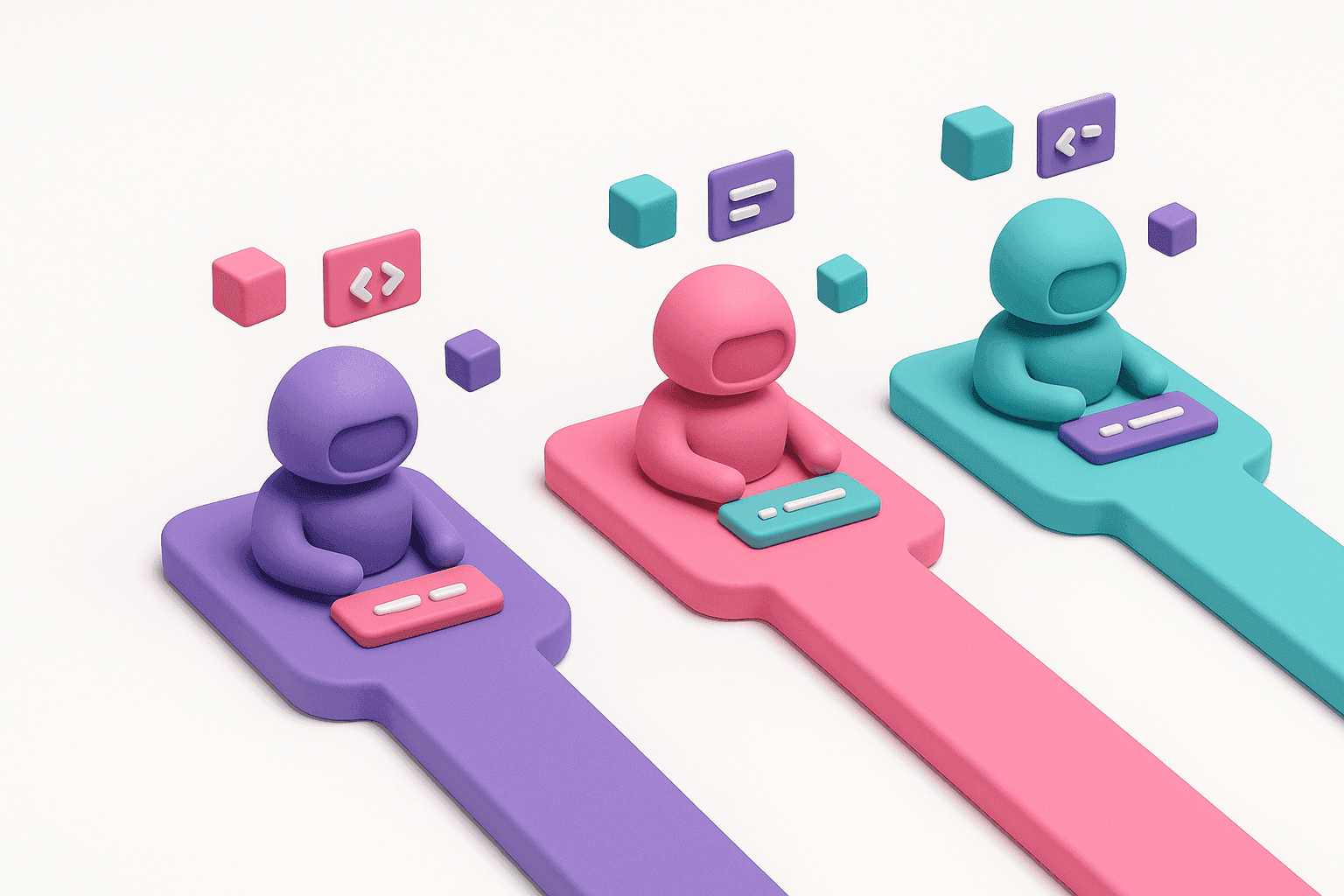
Running one AI coding agent at a time already feels slow once you get used to it. Running three or four in parallel, each chewing on a different repo, branch, or task, is where the real leverage shows up. On August 7, 2026, GitHub shipped a feature aimed squarely at that workflow: a new Sessions sidebar for GitHub Copilot CLI (GitHub Changelog).
If you already run several agentic sessions in parallel with Claude Code, the natural question is how the two compare. It is not the first CLI head-to-head worth running either, our Claude Code vs Codex CLI comparison goes through a similar breakdown for OpenAI's agent. This article breaks down what shipped, what it solves, and where Claude Code's approach to parallel sessions still pulls ahead.
Key Takeaways
- GitHub shipped a Sessions sidebar for Copilot CLI on August 7, 2026, giving a persistent panel to see and switch between parallel agentic sessions without hunting across terminal tabs.
- The sidebar is fully keyboard-driven (arrow keys, Enter, n, x) and solves a visibility problem: knowing which session is mid-turn, waiting, or finished.
- Claude Code already handles parallel work through three mechanisms: git worktrees for isolated file trees, background tasks, and session resumption/forking.
- The core distinction is visibility vs isolation: GitHub gives a better view inside one directory, while Claude Code structurally isolates sessions across separate worktrees and git state.
- For product managers, worktree-based isolation is what makes running several parallel Claude Code sessions (prototyping, competitive teardown, discovery synthesis) safe without babysitting each one.
Learn this hands-on
Become a 10x PM by learning how to use Claude Code in your daily work as a Product Manager, through 3 highly efficient live sessions of 1h30. Join the Claude Code for PMs live cohort.
What GitHub Copilot CLI's Sessions Sidebar Actually Does
Before this update, GitHub Copilot CLI power users who kept several sessions running, often with autonomous flags like --yolo or --autopilot, had no built-in way to see which session was mid-turn, which was waiting on input, and which had already finished. The only options were re-running --resume=<id> commands or hunting across a pile of terminal tabs by hand.
The Sessions sidebar fixes that with a persistent panel next to the main CLI conversation. It is fully keyboard-driven: arrow keys move focus into the sidebar, Enter (or a click) switches sessions, n spawns a new one, and pressing x twice closes the selected session. Each entry shows live status at a glance, so you can jump straight to the session that actually needs your attention instead of guessing.
The sidebar and its session-restoration behavior are both configurable through /settings, so developers who prefer a single-session interface can turn it off entirely.
GitHub frames this as part of a broader push. The same release cycle also touches parallel agent sessions in the VS Code Agents window and worktree-based isolation, suggesting GitHub is treating multi-session, parallel agentic work as a core workflow across its CLI, IDE, and app surfaces, not just a CLI-only experiment.
How Claude Code Already Handles Parallel Sessions
Claude Code approaches the same problem from a different angle, and has for longer. Instead of a single sidebar bolted onto one working directory, Claude Code leans on three complementary mechanisms:
- Git worktrees: you can check out multiple worktrees of the same repository, each on its own branch, and run a separate Claude Code session in each one. Every session gets a fully isolated file tree, so two agents can edit different features in the same codebase without ever stepping on each other's changes.
- Background tasks: within a single session, Claude Code can kick off long-running commands (dev servers, test suites, builds) in the background and keep working on other things while they run, checking back in on the output when it matters.
- Session resumption and forking: sessions can be resumed later, and forked into a new branch of the conversation, so you can explore two different approaches from the same starting point without losing either one.
Because each parallel session lives in its own worktree and, usually, its own terminal tab or pane, the "which session needs me" problem GitHub's sidebar solves tends to show up less often for Claude Code users in the first place. The isolation is structural (separate directories, separate git state) rather than purely visual (a sidebar list).
The Real Comparison: Visibility vs Isolation
Framed simply: GitHub Copilot CLI's Sessions sidebar solves a visibility problem inside a single terminal. Claude Code's worktree-plus-background-task model solves an isolation problem across the filesystem itself.
Both matter, but they solve different failure modes. A visibility layer like GitHub's sidebar helps most when you are running many short, similar sessions and need to triage which one is stuck. Structural isolation like Claude Code's worktrees matters most when sessions are long-running, touch overlapping files, or need to survive a context switch without corrupting each other's state. It is the same isolation-versus-visibility tradeoff we found comparing Warp vs Claude Code: a slicker terminal experience does not automatically mean deeper session isolation.
If GitHub Copilot CLI keeps building in this direction, expect the gap to narrow. But as of this release, the sidebar is a UI improvement layered on top of the existing single-directory session model, not a change to how isolation itself works.
Rather watch than read? I walk through Claude Code's session management, including the Sessions dashboard and forking, in this video.
GitHub Copilot CLI vs Claude Code for Product Managers
If you are a PM and not a full-time engineer, none of this matters unless it changes what you can ship on your own. If you are still figuring out the basics, our guide to using Claude Code without writing code is the place to start. Running several agentic sessions in parallel is exactly what lets a PM move fast without a dev queue: one session drafting a PRD-informed prototype, another running a competitive teardown against a rival's changelog, a third synthesizing user interview notes into a discovery doc.
Claude Code's worktree-based isolation is what makes that safe to do without babysitting each session. You are not just watching a sidebar to see who needs you next; you are letting three genuinely separate pieces of work run in parallel because the filesystem itself keeps them apart.
Product manager and want to work like this? This is exactly what we teach in Claude Code for PMs, our live cohort for product teams: 3 live sessions of 90 minutes over 2 weeks. Every PM ships a real feature, builds their own agent, and gets personalized written feedback.
The Bottom Line
GitHub Copilot CLI's Sessions sidebar is a genuinely useful fix for a real pain point: it is now much easier to see and switch between several running sessions without losing track of state. That is worth adopting if you are already a GitHub Copilot CLI user running parallel tasks.
But if the question is which tool handles parallel agentic sessions better today, Claude Code's combination of git worktrees, background tasks, and session forking still offers deeper isolation, not just a better view of what is already there. The sidebar makes GitHub Copilot CLI's existing model easier to navigate. It does not yet change the model itself.