Key Takeaways
- Lovable specializes in fast frontend prototyping while Cursor excels at production development, they're complementary tools, not competitors.
- Lovable generates professional-looking frontends without coding knowledge, making it ideal for product managers, non-technical founders, and rapid concept validation.
- Cursor provides full development stack access as an AI-enhanced VS Code fork, enabling authentication, databases, APIs, and production-ready architecture.
- Building backend logic in Lovable burns through credits fast, Cursor with Claude Code delivers better results for less money in a proper IDE environment.
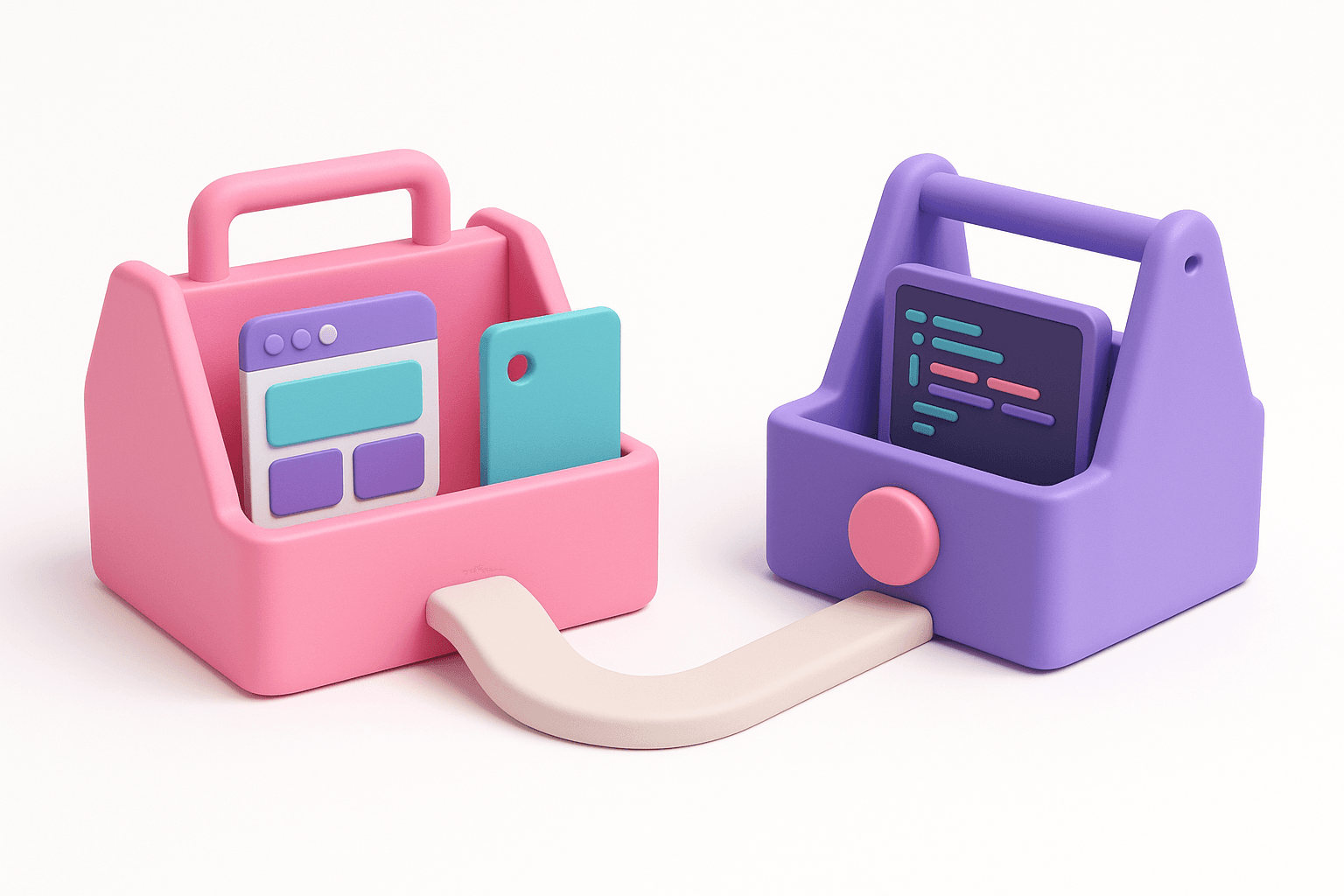
- The Lovable-to-Cursor workflow (prototype frontend in Lovable → push to GitHub → build backend in Cursor) combines speed and power for maximum efficiency.
Learn this hands-on
Become a 10x PM by learning how to use Claude Code in your daily work as a Product Manager, through 3 highly efficient live sessions of 1h30. Join the Claude Code for PMs live cohort.
Introduction
If you've been exploring vibe coding, you've probably come across two tools that keep popping up: Lovable and Cursor. Both are AI-powered, both promise to help you build apps faster (see also our Windsurf vs Cursor comparison), but they serve very different purposes.
The short answer? Lovable is where you prototype. Cursor is where you build for production. And the best workflow might just be using both.
In this guide, I'll break down exactly when to use each tool, who they're built for, and how combining them gives you the fastest path from idea to production-ready app.
Lovable vs Cursor at a Glance
| Lovable | Cursor | |
|---|---|---|
| Best for | Prototyping & MVPs | Production-ready apps |
| Target user | Non-technical / early technical | Developers & technical PMs |
| What it is | AI-first app builder | AI-enhanced IDE (VS Code fork) |
| Strength | Beautiful frontend, fast | Full flexibility, backend logic |
| Backend support | Limited (Lovable Cloud) | Full |
| Learning curve | Low | Medium to High |
| Starting price | $20/month | $20/month (free tier available) |
What Is Lovable?
Lovable is an AI-first app builder that lets you describe what you want and generates a working frontend for you. You don't need to know how to code. You don't need to set up a development environment. Our Lovable AI tutorial walks through the full workflow. You just describe your app, and Lovable builds it.
Where Lovable really shines is its ability to generate professional-looking frontends. The UI quality is genuinely impressive, clean layouts, proper spacing, responsive design. For a prototype or MVP, the output looks polished enough to show investors, test with users, or validate a concept. Our lesson on generating the frontend of your application with Lovable shows exactly how to achieve these results.
But here's the thing: Lovable is intentionally limited in scope. It's built for frontend prototyping, not for complex backend logic, custom API integrations, or production-grade architecture. And that's fine, because that's not what it's designed for.
Lovable is ideal if you are:
- A product manager who wants to prototype an idea quickly
- A non-technical founder validating a concept
- Someone new to vibe coding who wants an easy entry point
- A designer who wants to turn mockups into interactive prototypes
What Is Cursor?
Cursor is an AI-enhanced IDE built as a fork of VS Code. If you've ever used VS Code, Cursor will feel immediately familiar, our Cursor AI tutorial covers setup to advanced workflows, except now you have an AI copilot that can write, edit, and refactor code across your entire project.
Unlike Lovable, Cursor gives you full control. You're working with actual files, actual code, actual terminal commands. You can install any package, connect any API, set up any database, and deploy anywhere. It's a real development environment with AI superpowers.
This flexibility is what makes Cursor the go-to tool when it's time to scale. Need to add authentication? Connect to Supabase? Set up Stripe payments? Build a REST API? Cursor handles all of it because you have access to the full development stack.
There's also a practical cost argument. Inside Cursor, you can use models like Claude directly, either through Cursor's built-in AI or by running Claude Code right in the terminal. These models perform significantly better in an open IDE environment where they have full access to your codebase, your file structure, and your terminal. There's no artificial layer between the model and your code.
This means you get better results for less money. Instead of burning Lovable credits on backend iterations that the platform wasn't designed for, you're using AI models in the environment where they're most capable, a real IDE with full context. The per-token cost of running Claude through Cursor or Claude Code is a fraction of what you'd spend trying to force backend logic through Lovable's credit system.
Cursor is ideal if you are:
- A developer looking to ship faster with AI assistance
- A product manager working within a team that has development processes
- Someone building an app that needs backend logic and business rules
- A technical founder going from prototype to production
When to Choose Lovable
Choose Lovable when your goal is to go from zero to a visual prototype as fast as possible.
Say you're a product manager with an idea for an internal tool. You don't need a production app, you need something to show your team, gather feedback, and validate whether this thing is even worth building. Lovable gets you there in hours, not weeks.
Lovable is also a fantastic entry point into vibe coding, our vibe coding platforms comparison covers all the major options. If you've never written a line of code, the jump to an IDE like Cursor can feel overwhelming. Lovable lets you experience the magic of AI-powered prototyping without the learning curve of setting up a development environment.
But be honest about the limits. If you need user authentication, database operations, payment processing, or any real backend logic, Lovable will hit a wall. And if you try to push through that wall, you'll pay for it.
Lovable recently introduced Lovable Cloud, their own backend infrastructure. On paper, it sounds convenient, backend logic without leaving the platform. In practice, it's a highly restrictive environment with a very specific structure. That rigidity limits what AI models can do for you. The same model that writes excellent code in an open environment like Cursor becomes constrained when it has to work within Lovable Cloud's guardrails.
Worse, you'll burn through credits fast. Every iteration on backend logic inside Lovable costs credits, and backend work is inherently iterative. You'll hit errors, adjust logic, debug edge cases. In Lovable, each of those cycles eats into your plan. What could have been a $20/month workflow quickly turns into $100+ as you fight against a tool that wasn't built for this kind of work.
When to Choose Cursor
Choose Cursor when you need to build something real, something with backend logic, something that handles data, something ready for users in production.
Cursor is especially important if you work inside an organization that already has development processes. Real companies use Git, CI/CD pipelines, code reviews, and structured deployments. Cursor fits naturally into all of that because it's a proper IDE. Lovable doesn't.
If you're a product manager who wants to go beyond prototyping, if you want to actually understand how production software gets built and contribute meaningfully to the development process, learning Cursor is a significant career move. It's harder to pick up than Lovable, but the ceiling is infinitely higher. Compare our available courses to find the right starting point.
The Best Approach: Use Both Together
Here's what most comparisons miss: Lovable and Cursor aren't competitors. They're complements. And using each tool where it's strongest isn't just a better workflow, it's significantly cheaper.
As GitHub CEO Thomas Dohmke puts it, "The future of coding is about working alongside AI, not just using it as a tool, but as a true development partner." That's exactly what this dual-tool workflow enables.
Trying to build an entire app inside Lovable, frontend, backend, business logic, will burn through your credits and leave you fighting against a restrictive backend environment. On the other hand, trying to build a beautiful frontend from scratch in Cursor takes longer than it needs to. The smart move is to let each tool do what it does best.
The most effective workflow I've found, and what I teach in my master course, is to use specialized tools for their strengths:
Step 1: Generate Your Frontend with Lovable
Start in Lovable. Describe your app, iterate on the UI, get the layout and user experience right. This is where Lovable's strength lies, generating a clean, professional frontend fast. Don't fight with backend logic here. Focus on what the app looks like, how it flows, and what screens you need.
Step 2: Push to GitHub
Lovable has a built-in GitHub integration. Once your frontend prototype looks good, push the code to a GitHub repository. This is the bridge between the two tools. Watch our step-by-step lesson on syncing Lovable's code with Cursor via GitHub to see this workflow in action.
Step 3: Build the Backend in Cursor
Open that same repository in Cursor. Now you have Lovable's polished frontend as your starting point, and the full power of a real IDE to build everything else: database connections, API endpoints, authentication, payment flows, business logic, all the things that turn a prototype into a product.
This workflow gives you the speed of Lovable for the visual layer and the power of Cursor for everything under the hood. You're not choosing one or the other. You're using each where it's strongest.
This Is Exactly What I Teach
This Lovable-to-Cursor workflow is the backbone of the Vibe Coding Academy Master Course. In the course, you go from a blank page to a deployed, production-ready SaaS app, starting with Lovable for the frontend, then moving to Cursor for the backend, database, authentication, payments, and deployment.
If the workflow I described above sounds like exactly what you need, the Master Course walks you through every step with hands-on video lessons.
Pricing Comparison
Lovable Pricing
- Free: Limited credits to test the platform
- Starter: $20/month, enough for casual prototyping
- Launch: $50/month, more credits, faster generation
- Scale: $100/month, for heavy usage
Cursor Pricing
- Hobby: Free, 2,000 completions + 50 premium requests/month
- Pro: $20/month, 500 premium requests, unlimited completions
- Business: $40/user/month, team features, admin controls
For most people starting out, $20/month on each tool covers everything you need. That's $40/month total for an AI-powered prototyping tool and a full AI-enhanced IDE, a fraction of what a single hour of developer time costs.
But here's the hidden cost to watch out for: if you try to build your entire app inside Lovable, including backend logic through Lovable Cloud, you'll chew through credits fast. Backend development is iterative by nature. Every bug fix, every adjustment, every edge case burns more credits. The $20/month Starter plan won't last, and you could easily end up on the $100/month Scale plan still hitting limits. Meanwhile, the same backend work in Cursor with Claude Code costs a fraction of that, with better results, because the models have full access to your codebase.
The Bottom Line
Lovable is where you start. It's fast, it's approachable, and it produces genuinely impressive frontends. If you're new to vibe coding or you just need a quick prototype, start here.
Cursor is where you build. It's more powerful, more flexible, and the right tool when you need production-ready software. If you're technical, or want to become technical, Cursor is worth learning.
The smartest move? Use both. Prototype in Lovable, build in Cursor. That's not a compromise, it's the optimal workflow.
Ready to learn the full Lovable-to-Cursor workflow? Check out the Master Course: Build and Ship a Production-Ready App with Lovable and Cursor where I walk you through building and shipping a complete production app using both tools.